Bootstraps (self-updater)
The Bootstraps section allows you to manage the updates of the launcher software itself (the executable file), distinct from the game files.
When you fix a bug in your Electron code or change the design of the launcher interface, you generate a new executable. This page allows you to distribute that new version to all your players automatically.
How it works
EML Lib-based Launchers includes a “self-updater” module called Bootstraps. The logic relies on electron-updater:
- The player launches the launcher.
- The launcher compares its internal version (from its
package.json) with the version displayed on this page. - If the server version is higher, the launcher downloads the bootstrap file corresponding to the player’s operating system (Windows, macOS, or Linux).
- The launcher installs the update and restarts.
Managing Bootstraps
Editing Bootstraps
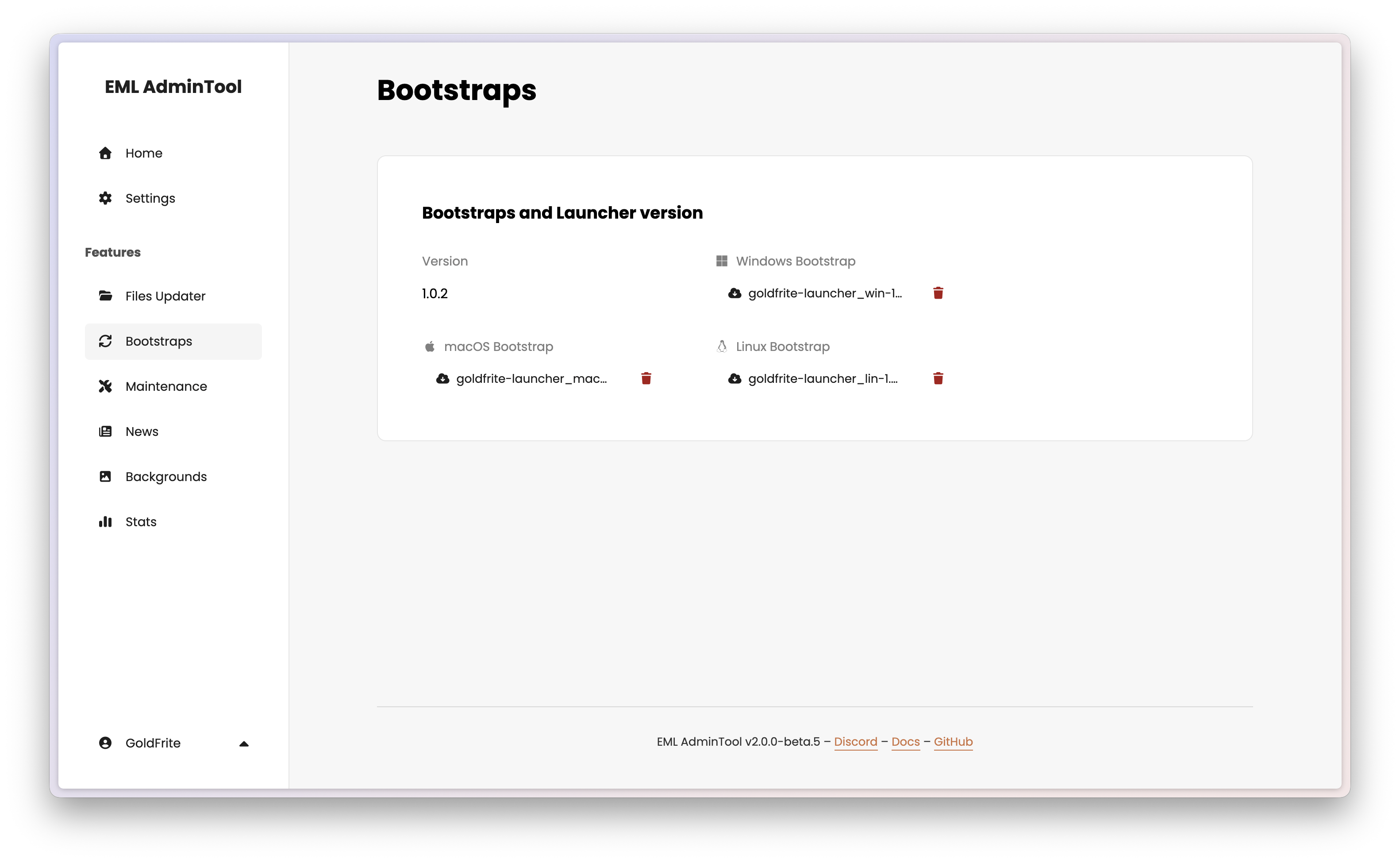
The dashboard displays the current configuration: the target version and the files currently available for download for each platform.
To update the launcher or change the files, hover over the section and click the edit button ().
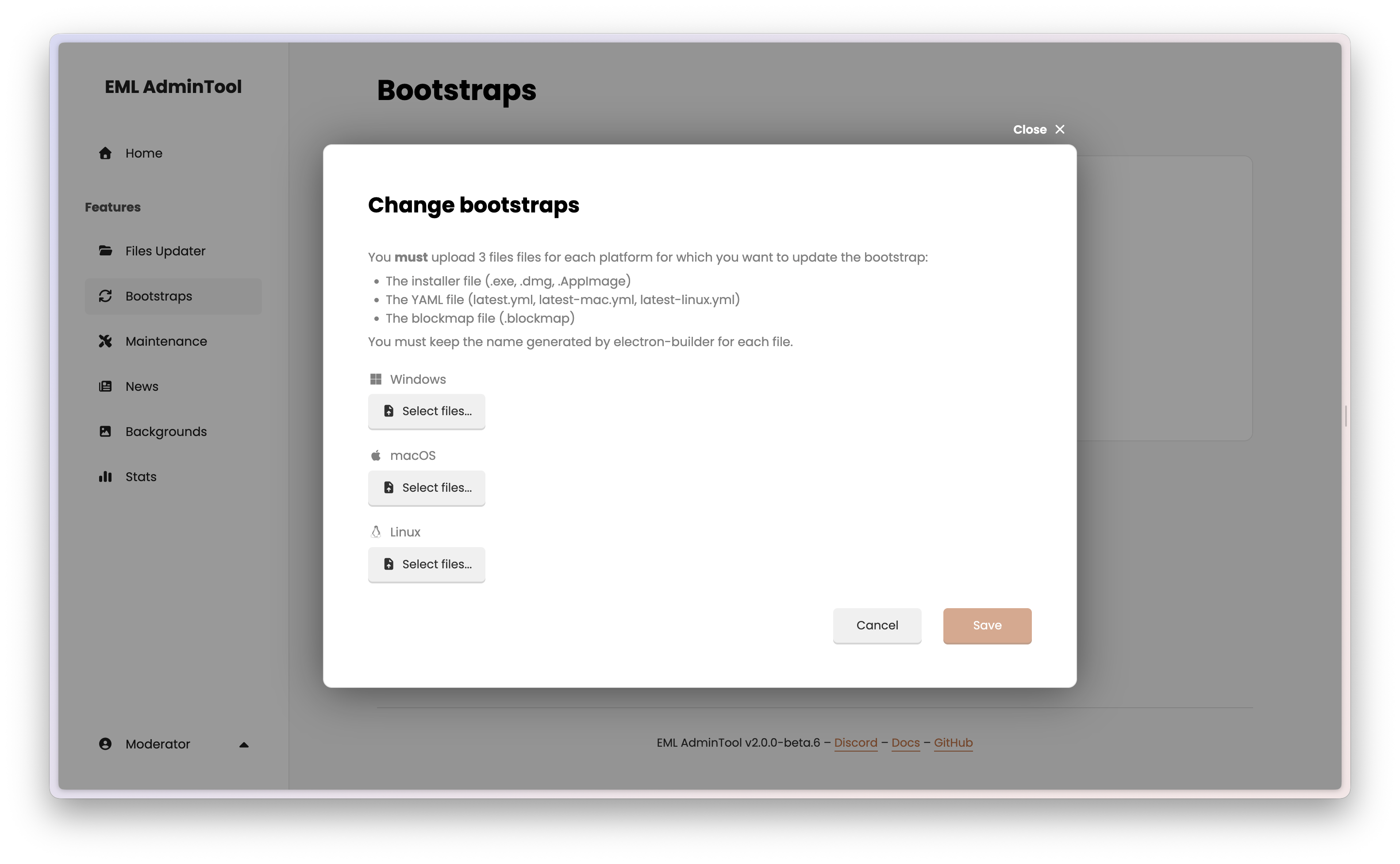
You must upload 3 files files for each platform for which you want to update the bootstrap:
- The installer file (.exe, .dmg, .AppImage)
- The YAML file (latest.yml, latest-mac.yml, latest-linux.yml)
- The blockmap file (.blockmap)
You must keep the name generated by electron-builder for each file.
Click “Save” to apply changes. The upload process may take some time depending on your connection speed and the file size.
Tip
You can download the currently uploaded bootstrap files by clicking the download icon () next to each file name.
Warning
Known issue
If the files are too large, the upload may fail. This issue will be fixed in future releases.
Deleting files
If you want to remove a specific bootstrap (for example, to stop supporting a platform temporarily), you can click the red trash icon () next to the file name in the main view.
Important guidelines
Files Updater vs. Bootstraps
Do not confuse the two:
- Files Updater: Updates the game (mods, configs, Minecraft version). Use this 99% of the time.
- Bootstraps: Updates the launcher (the Electron app, the design, the login logic). Use this only when you release a new version of your software.
Avoiding infinite loops
If you upload a Bootstrap that has a version mismatch, users might get stuck in an “Update -> Restart -> Update -> Restart” loop.
Safety Checklist:
- File integrity: Ensure all three files (.exe/.dmg/.AppImage, .yml, .blockmap) are correctly uploaded and correspond to the same version.
- Test locally: Before uploading here, try installing the new
.exemanually on a test PC to ensure it opens correctly.